
1 · TestFlight
Install Nivvi
iPhone only, iOS 16+. Open this TestFlight link on the iPhone — no email invite needed. Accept, then Install. Already on Nivvi? TestFlight → Nivvi → Update. Testers: join the Facebook group for news and feedback.
Nivvi connects to compatible Bluetooth devices and keeps readings, events and notes together on your iPhone. Review daily history and export a copy when you choose.
iPhone · iOS 16+ · nivvi.app
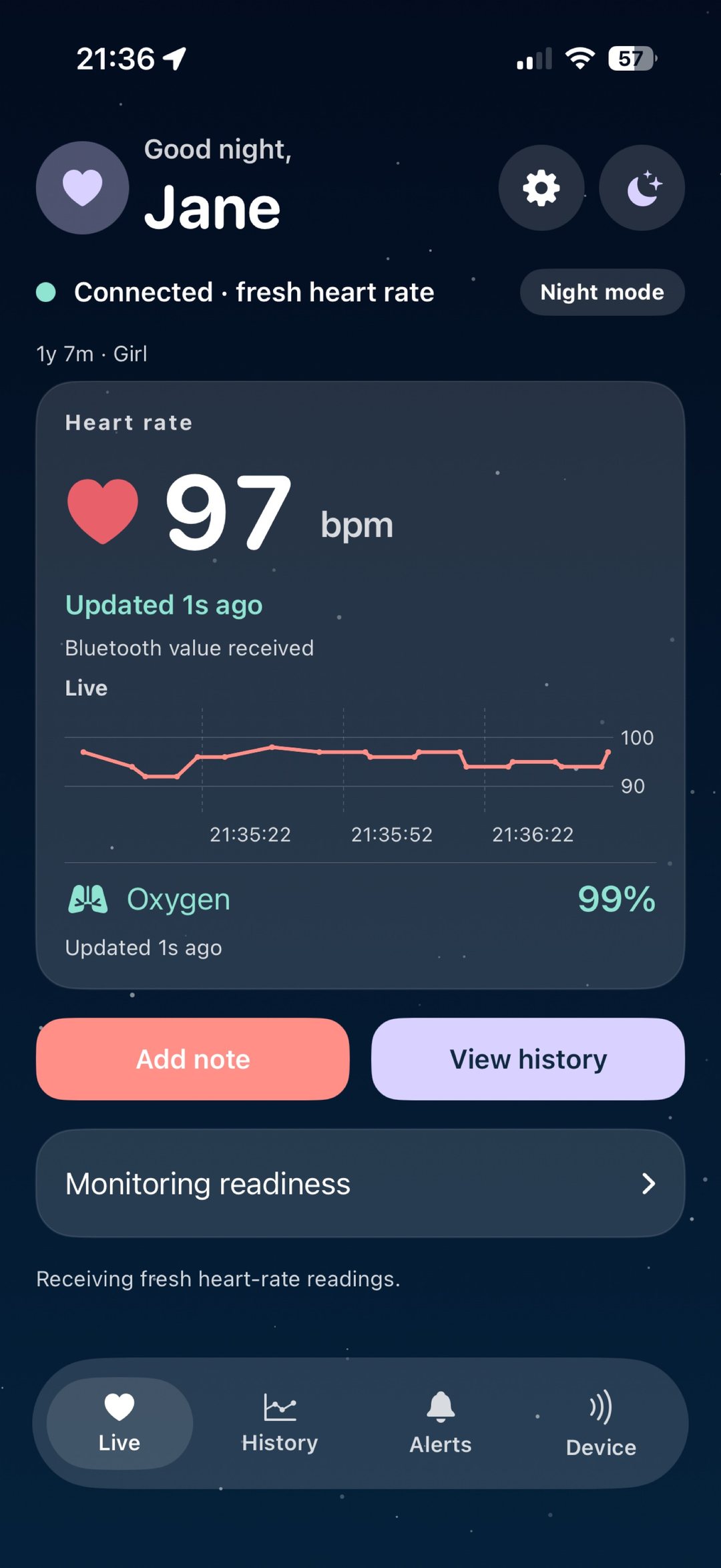
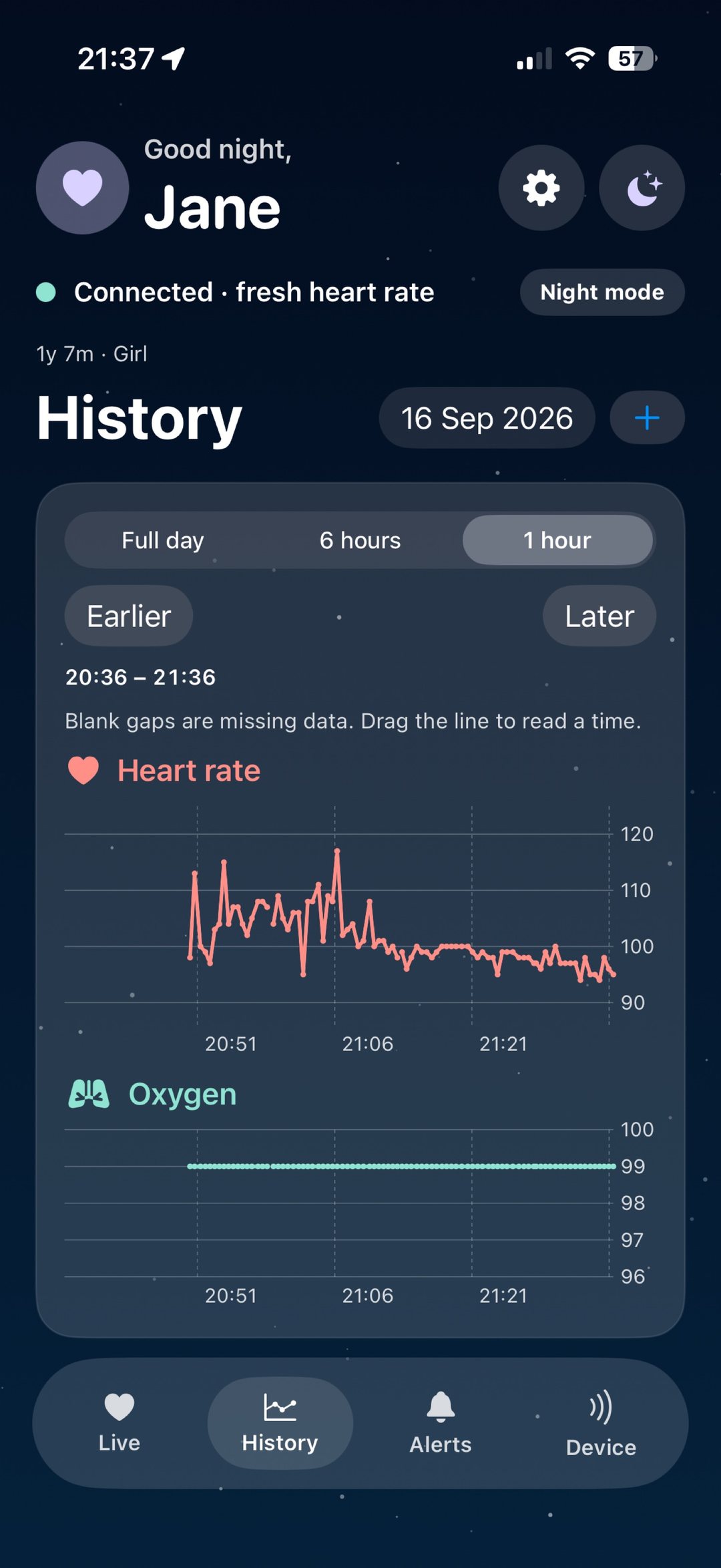
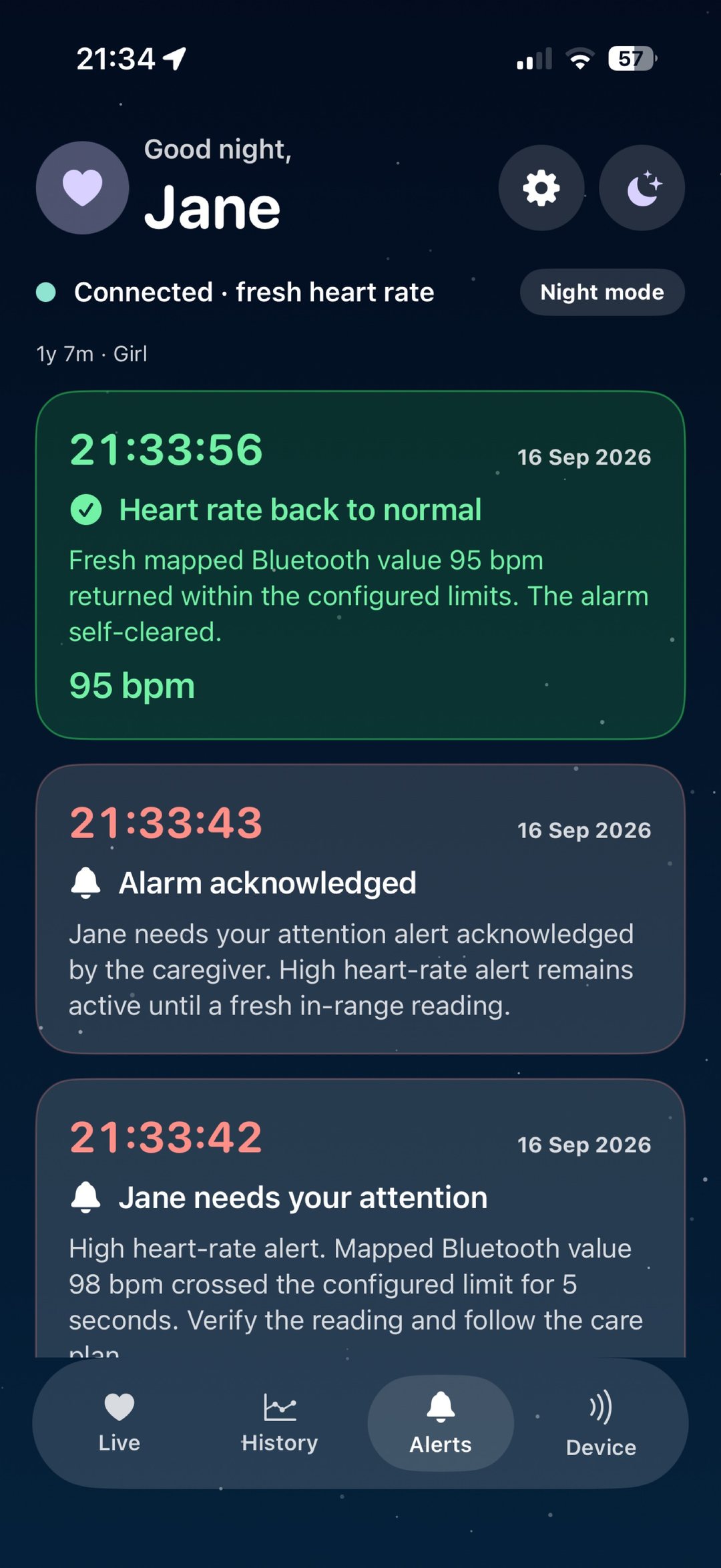
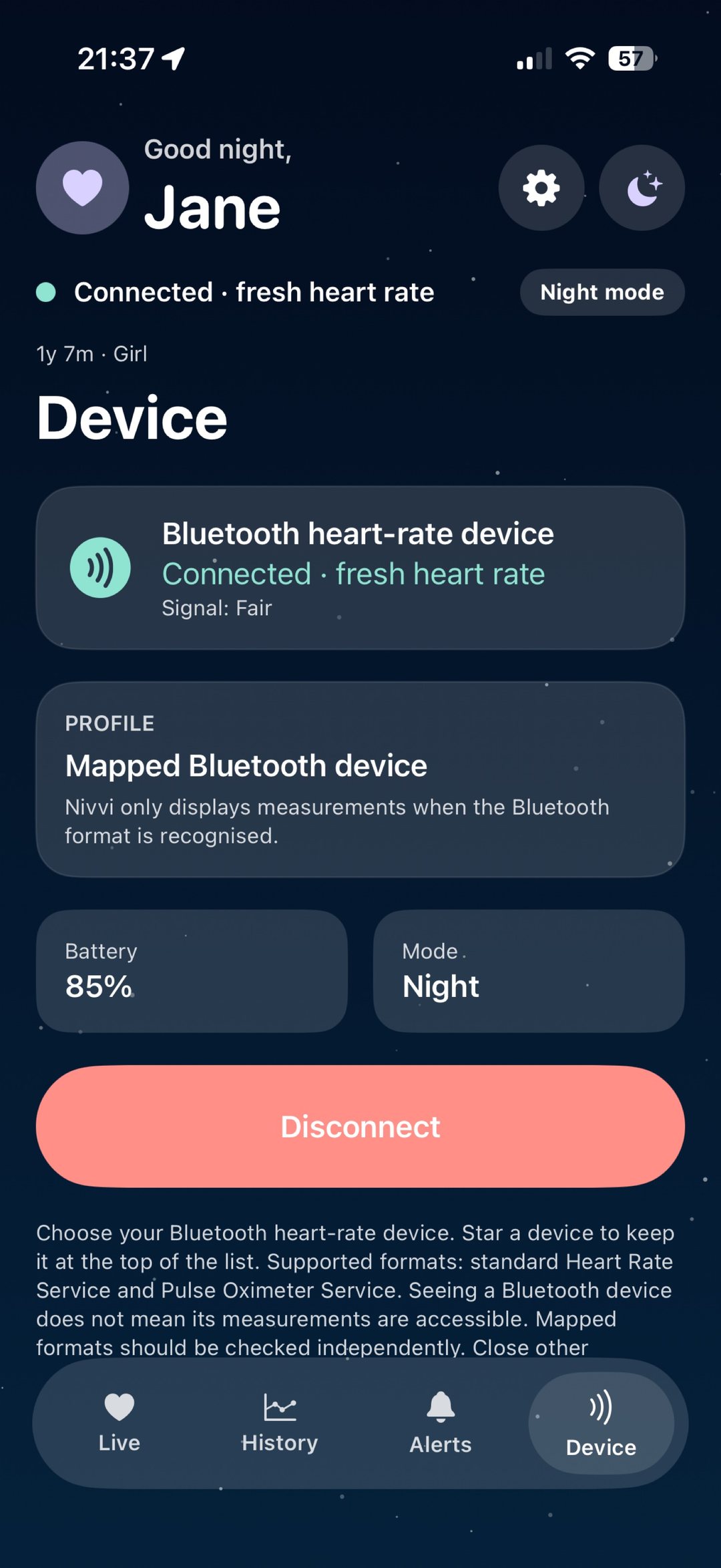
Live, History, Alerts and Device from TestFlight. Not a medical reading.
Access
1 · TestFlight
iPhone only, iOS 16+. Open this TestFlight link on the iPhone — no email invite needed. Accept, then Install. Already on Nivvi? TestFlight → Nivvi → Update. Testers: join the Facebook group for news and feedback.
2 · Same Wi‑Fi
Nursery iPhone: Settings → Family sharing → Share from this iPhone. Downstairs iPhone: same Wi‑Fi, type the 4-digit code, Follow the nursery iPhone. Keep Nivvi open on the nursery phone. No PC needed.
3 · Away from home
When the home PC is on, create a Nivvi account (password 12+ characters). Each adult uses their own email. The PC serves family.nivvi.app. Remote push sounds are not on yet.
Nivvi connects to compatible Bluetooth heart-rate and pulse-oximeter devices and shows usable values as they arrive — not invented fillers when a packet is missing.
Snapshots stay on the iPhone for today and the previous 29 calendar days. Touch a point on the graph, add a note, and export a CSV when you choose.
Optional high and low heart-rate alerts use your limits and a dwell time. They need a fresh supported reading, notification permission, and a phone that can actually sound.
How it works
Scan and connect
Nivvi looks for advertised Heart Rate and Pulse Oximeter services, including devices already connected to iOS. Names alone do not prove compatibility.
Keep a local story
The first accepted measurement is saved, then snapshots at least 30 seconds apart. Alarms still evaluate every eligible sample.
Optional test alerts
Low means strictly below; high means strictly above. The value must stay beyond the limit for 5–120 seconds. Gaps over ten seconds reset pending timing.